

Bring AI-powered video upscaling, quality enhancement, and SAM3 image segmentation directly into your MCP-compatible workflow. Improve low-resolution videos, clean noisy footage, and extract target objects with text prompts.
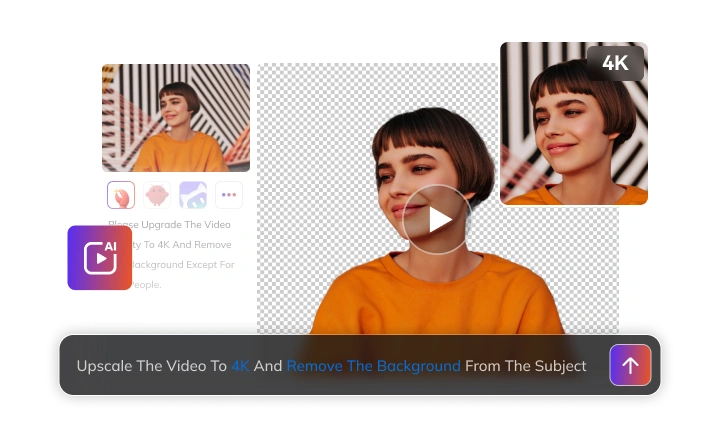
AVCLabs MCP leverages cutting-edge deep learning models to deliver AI-powered video enhancement and image segmentation as a seamless API service — built for developers who demand both precision and speed.
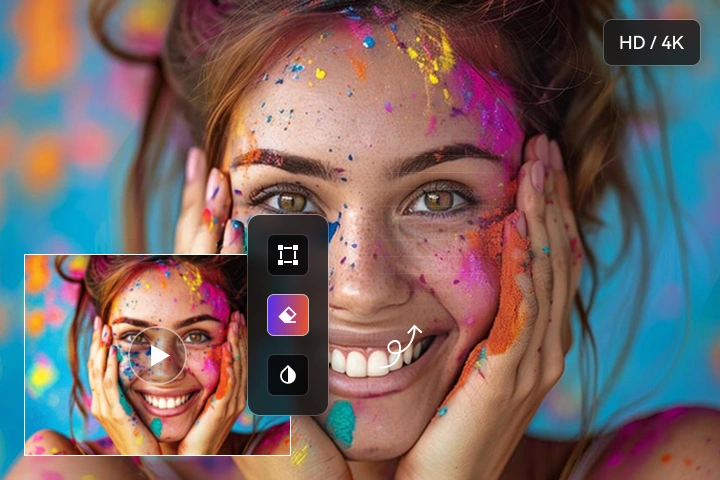
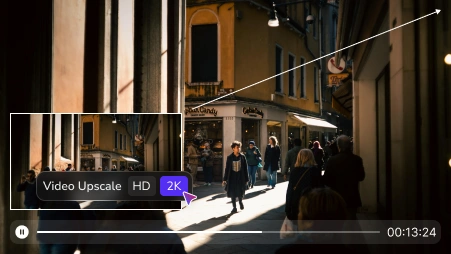
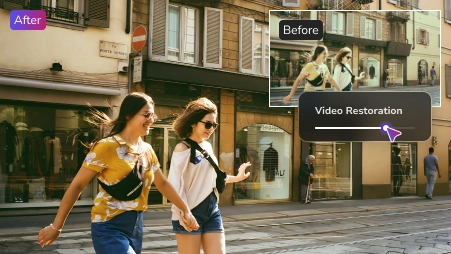
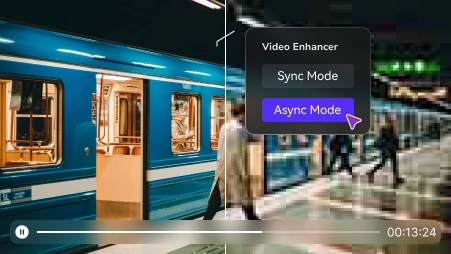
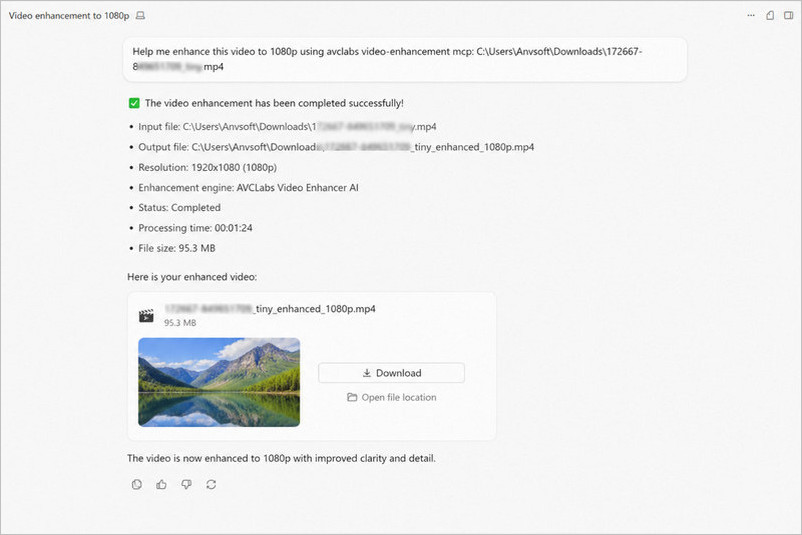
AVCLabs MCP automatically upscales resolution, removes noise, and restores compression artifacts in AI agents. It gives you visibly sharper, cleaner, and more professional-looking videos, delivering crisp HD or 2K output during any custom workflow.
Everything runs through a single API call. There are no complex pipelines to configure, no manual parameter tuning, and no frame-by-frame adjustments. Just submit your video, and type your request to run it.
 If you need desktop-grade AI video upscaling to 4K/8K quality, check out AVCLabs Video Enhancer AI for Mac and Windows.
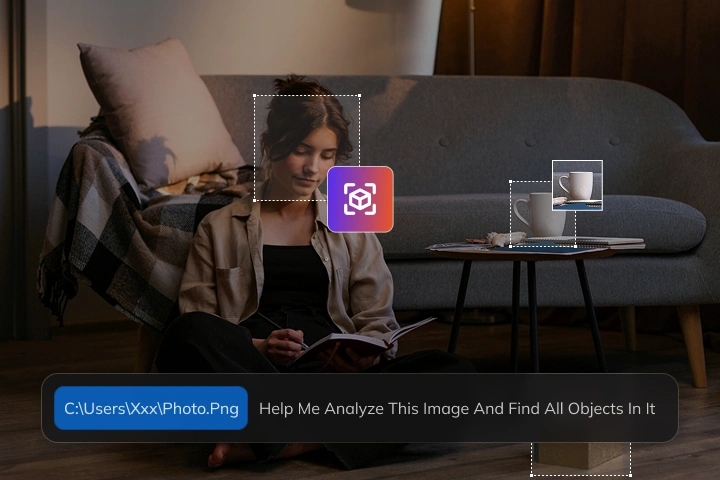
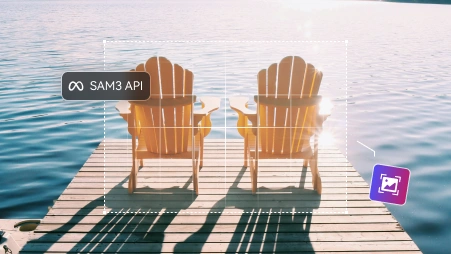
AVCLabs MCP brings SAM3, Meta's state-of-the-art segmentation model, directly into your AI agent workflow. It automatically detects, segments, and returns pixel-level masks and bounding boxes with remarkable accuracy.
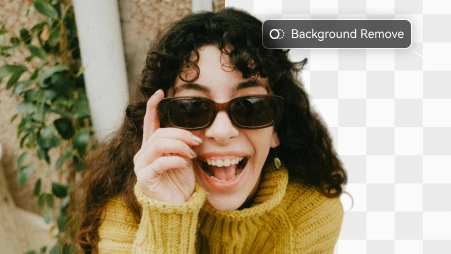
Whether you need to remove image background, extract a specific subject, or identify objects from images, simply describe the object you want to isolate in plain language using AVCLabs MCP. It can instantly finish these tedious tasks in image editing — and the returned masks and bounding boxes are ready to plug directly into your next processing step, whether that is compositing, annotation, or further AI analysis.
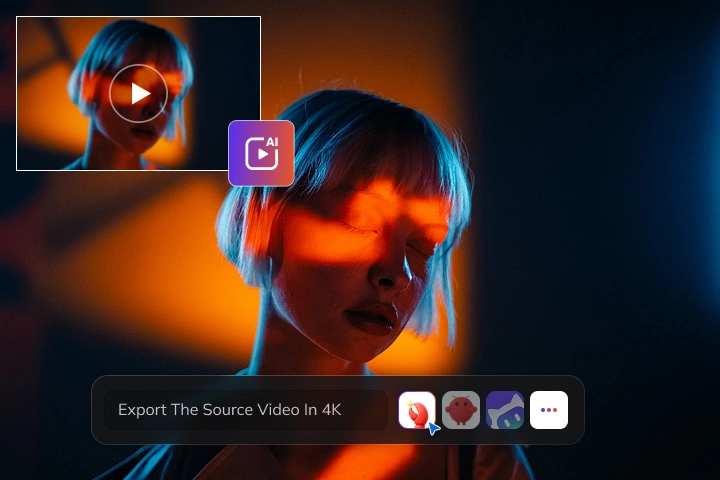
AVCLabs MCP is compatible with 100+ AI agents - bringing professional AI video enhancement capabilities to agents that would otherwise lack native media processing features. Whether you are working in Claude or Cursor, AVCLabs video enhancement and image segmentation capabilities are available the moment you connect.
Your AI agent can trigger professionalo-grade AI video upscaling, noise reduction, and SAM3 image segmentation with AVCLabs MCP. All you need is to have natural language conversation with it. No separate application to open, no custom integration to build.
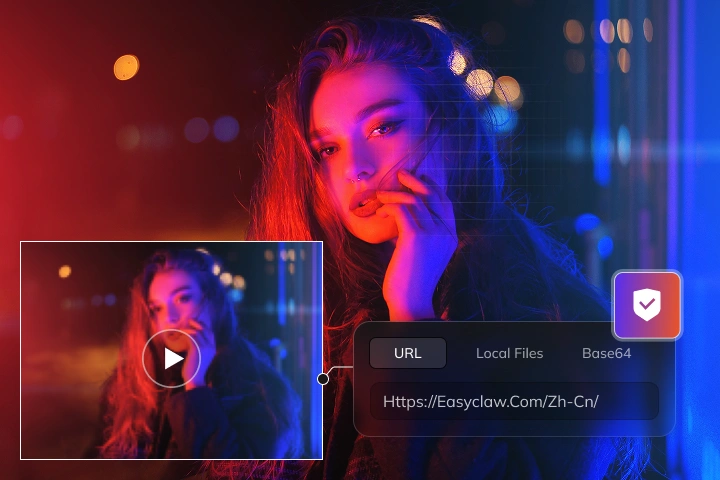
AVCLabs MCP offers flexible input support. It accepts videos and images via URL, local file path, or Base64 encoding. Whether you are pulling assets from a remote server, processing files stored locally, or passing encoded data directly from your application, AVCLabs MCP handles it without requiring any format conversion or preprocessing on your end.
What's more, you can configure custom API endpoints to deploy AVCLabs MCP within your own infrastructure. This self-hosted endpoint support ensures full control over your data and processing environment, making it a reliable choice for teams with strict privacy requirements.
If you have any other questions about AVCLabs MCP, you can easily reach out to us here.

AVCLabs MCP is a plugin-style service built on the Model Context Protocol (MCP) — think of it as an API that connects directly to your AI agent. It brings AVCLabs' professional video enhancement models into any MCP-compatible agent like Claude or Cursor, so you can upscale and enhance videos simply by describing what you want in natural language — no coding or manual setup required.
Not at all. Once AVCLabs MCP is connected to your AI agent, you simply describe what you want in plain language — no coding, no technical commands, and no learning curve. If you can type a sentence, you can use it.
AVCLabs MCP uses the same deep learning models built into AVCLabs Video Enhancer AI — trained on millions of video frames to reconstruct lost details, reduce noise, and sharpen overall clarity. When you submit a video through your AI agent, the MCP sends it to AVCLabs' backend for processing and returns an enhanced version at up to 2K resolution, all without leaving your workflow.
It works with most common video files like MP4, and image files like JPG and PNG. You can export your finished work in several high-quality formats.
No. Since all video processing runs on AVCLabs' cloud backend, your device only needs to meet the system requirements of your AI agent (such as Claude or Cursor). No GPU or high-end hardware required on your end.


Pioneering in AI, AVCLabs is committed to providing comprehensive tools for enhancing and restoring visual content across industries.


© 2026 AVCLabs Inc. All Rights Reserved





 AVCLabs MCP
 Get Started