


Discord PFP Download Guide: Save Any Avatar and Find HD PFPs
Discover the best tools to download Discord profile pictures in full resolution and find 5 best PFP resources site to find high-quality Discord avatars easily.
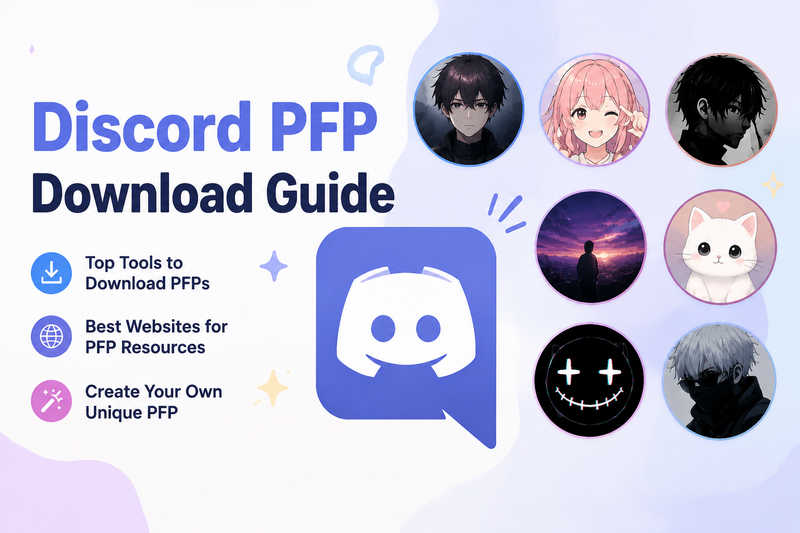
Discord is one of the most popular communication platforms amongst gamers, communities and online social groups. However, users often encounter a limitation: Discord does not offer a built-in feature to download other users' full-resolution profile pictures. The displayed avatars within the app are usually cropped into circles and compressed, making it difficult to directly save the original high-quality images. For this reason, many users turn to third-party tools to extract and download full-size PFPs.
In this guide, we'll introduce some useful tools for downloading Discord PFPs and recommend a selection of websites to help you access high-quality profile picture resources, thereby enhancing your Discord profile.
4 Tools to Download Someone's Discord PFP
Discord does not provide a button for downloading other users' avatars. The avatars displayed within the application are usually cropped and low-resolution circular images, so users cannot obtain Discord PFPs by simply taking screenshots.
If you want to save the full-size, original-quality profile picture of a certain user, you can utilize some third-party tools, like Discord PFP grabber, PFP downloader or browser extension tools.
1. PfpFinder
Best For: Users who want both a Discord PFP downloader and a large collection of ready-made profile pictures in one place
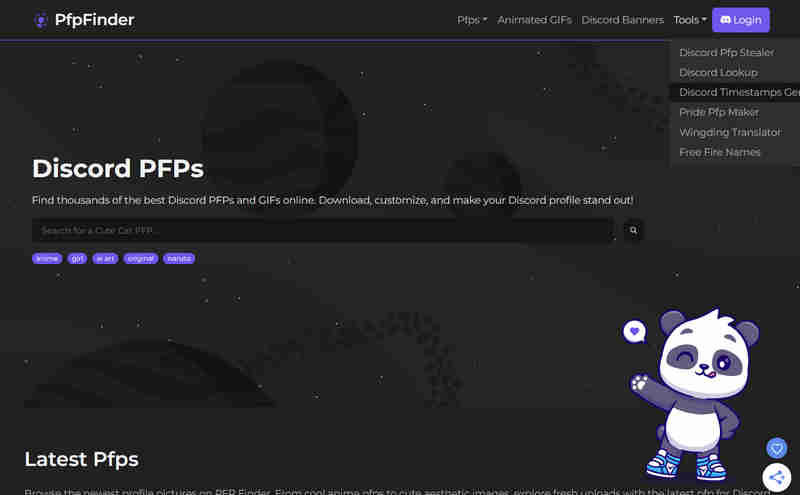
PfpFinder is a lightweight online tool specifically designed for Discord avatars. It not only offers practical tools but also provides a Discord avatar resource library. This platform runs entirely based on web browsers and does not require the installation of any browser extensions or desktop software.
Its Discord PFP Stealer tool allows users to easily view and download full HD profile pictures of any Discord user, including four different sizes: 256×256, 512×512, 1024×1024, and 4096×4096. Users only need to input the Discord user ID to obtain information such as the high-resolution profile picture, personal profile banner, badges, and account creation date of the target user.
2. DiscordKit
Best For: Users wanting a ultimate Discord extensions toolkit
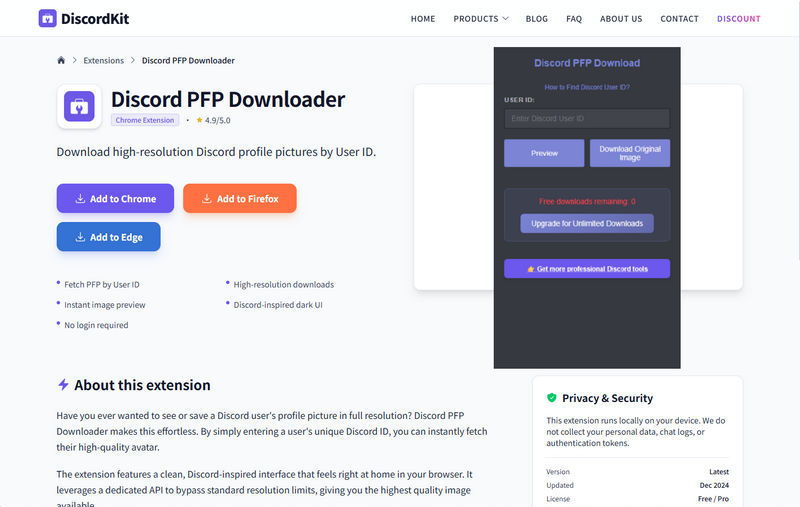
DiscordKit is a platform that integrates a variety of Discord utilities, offering a range of browser extensions to meet common needs such as PFP download, emoji download, chat record export, and server member list export.
Its Discord PFP Downloader is a Chrome browser extension specifically designed to quickly obtain Discord avatars, with a rating of 4.9/5.0. Its greatest advantage is that it requires no account login and is completely free of ad interruptions. The interface is clean and intuitive. Users simply need to enter a Discord User ID to quickly retrieve and download the corresponding high-definition profile picture.
3. Discord Lookup
Best For: Users needing complete Discord user metadata & pfp download
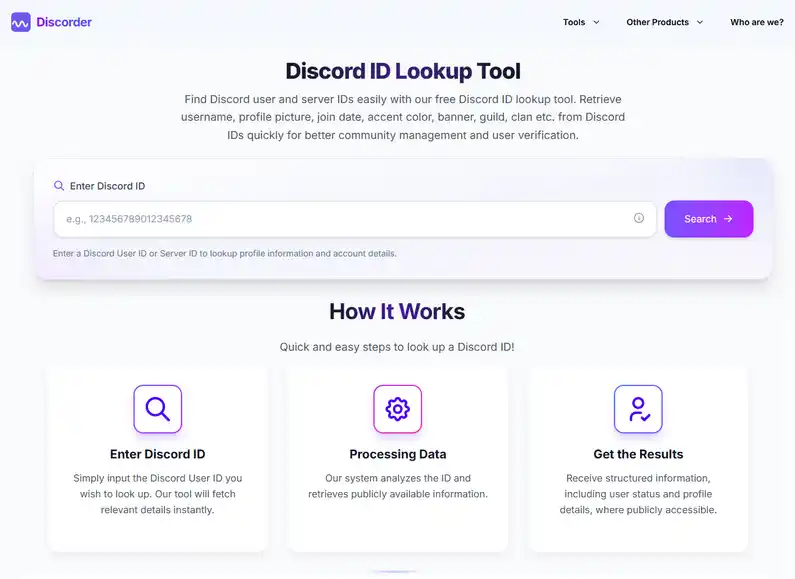
Discord Lookup is an ID-based online tool for querying Discord user information. Users only need to input a 17-19 digit Discord user ID to quickly obtain the public information of the account, including the username, account identifier, badges, account creation date, account duration, and technical metadata.
Unlike Discord PFP Grabber, Discord Lookup focuses more on user identity and metadata analysis to generate a comprehensive overview of account information. However, it also offers a Discord PFP download feature, allowing users to view or download their profile pictures in their original resolution.
4. Toolscord
Best For: Users wanting an all-in-one Discord tool hub
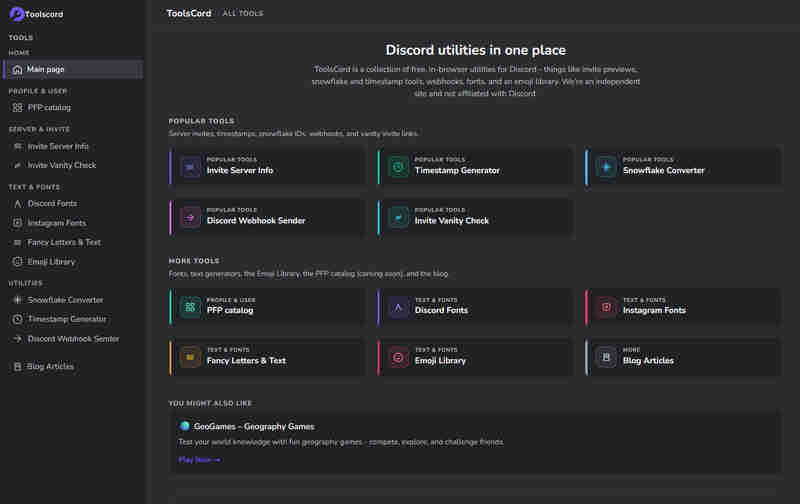
Toolscord is a versatile Discord utility platform that offers users various functions such as query tools, server management tools, and related features for Discord. Although Toolscord previously provided basic PFP viewing functionality, the old version of the tool has now been discontinued.
Currently, the platform is developing a brand-new Discord profile picture library, and its website clearly states that this feature is coming soon. The upcoming profile picture library is expected to contain a comprehensive collection of both static and animated Discord profile pictures, featuring a modern interface that allows users to browse, preview and download high-definition images.
🔥 Read More: 4 Best HD TikTok PFP Downloaders in 2026: Free & No sign up
5 Best Discord PFP Resource Download Websites (Free & Paid)
In this section, we have selected 5 best Discord profile picture resource download websites. They offer a variety of styles of content, including both free resources and paid options, to help you create a unique Discord personal profile.
1. PFP.gg
Best For: Curated high-definition static and animated PFPs
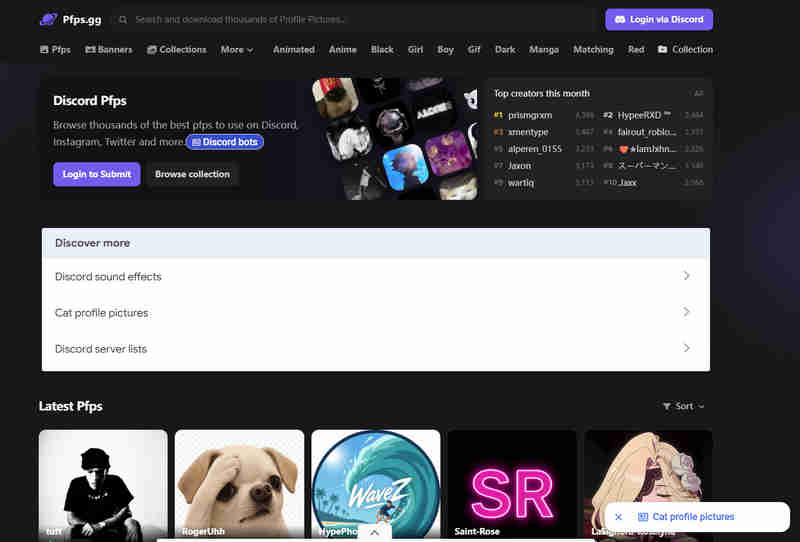
Pfps.gg is a website dedicated to providing high-quality profile pictures for social platforms such as Discord, TikTok, and Instagram. Its most notable feature lies in its extensive resource library and active creator community. It houses thousands of images submitted by users, categorized into hundreds of subcategories, including boy, girl, eboy, egril, funny, cute, and anime, etc. The website also offers some GIF dynamic profile pictures, suitable for Discord Nitro users to set as Animated PFPs.
All content on the platform is automatically adjusted during the upload process to the 1:1 square aspect ratio, which best meets Discord's official standards. This means that users do not need to perform any additional cropping after downloading.
2. PfpFinder
Best For: Users who want a free Discord PFP resource hub with both static and GIF PFPs
One of the major highlights of PfpFinder is its resources and tools combination model. Besides providing a tool for downloading avatars, it is also a Discord PFP resource website that provides a large number of high-definition PFPs suitable for Discord use, including Anime, Aesthetic, Matching, Cute, Funny, Cool, and other common styles. It supports saving static PNG/JPEG images, and also offers some GIF dynamic avatars, which is particularly useful for users who want similar dynamic avatar effects as Discord Nitro.
🔥 Read More: Latest Matching PFP for Couples in 2026: Various Styles in High Quality
3. DeviantArt
Best For: Niche, original, or artist-commissioned Discord PFP
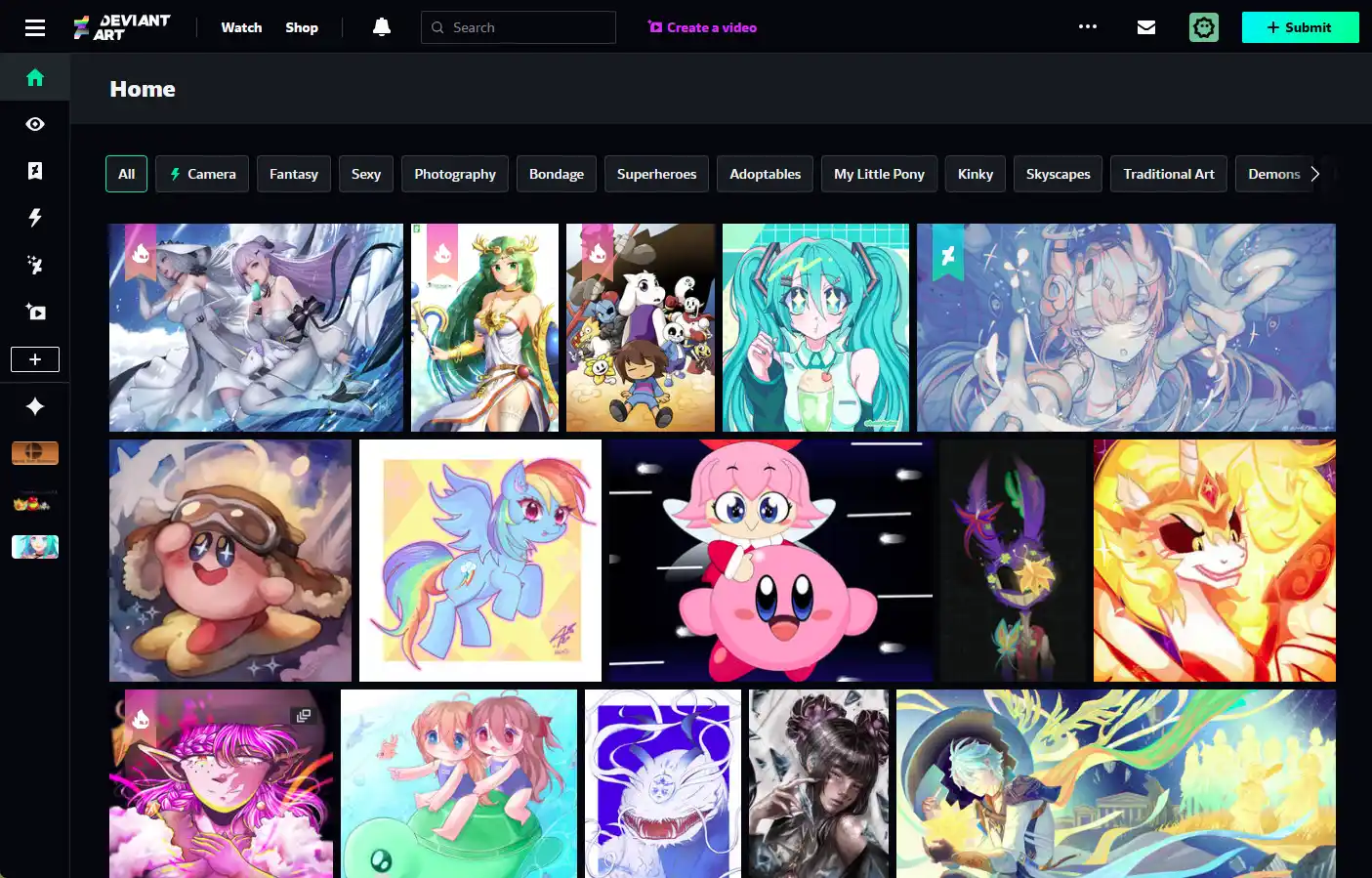
DeviantArt is a large-scale art community and it is also the platform with the most original avatars and the most distinctive styles among all the PFP for Discord resource websites. The vast majority of image assets on DeviantArt are created and first published by the artists themselves. Therefore, the PFPs here not only have extremely high quality but also possess and unique individual styles.
Most of the works can be viewed and downloaded for personal use for free. At the same time, the platform also offers a paid service. If you have specific avatar requirements - such as wanting a picture with a specific color scheme, a specific character, or a specific atmosphere - you can directly contact the creator to commission a custom design. This is the key difference between DeviantArt and most free PFPs download websites that only provide ready-made material downloads.
4. Tenor
Best For: A rich collection of high-quality GIFs and animated resources website
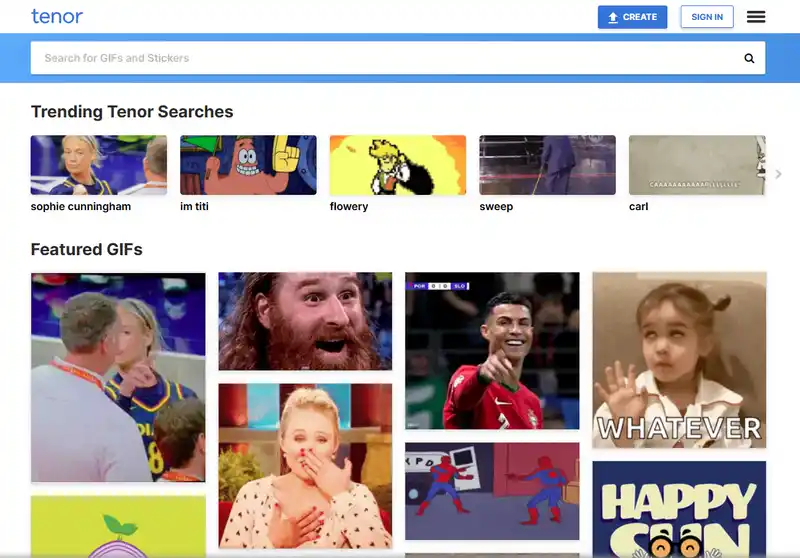
Tenor is one of the largest GIF platforms on the internet and is widely used to find animated profile picture content for Discord. It is particularly suitable for users who want to make their profile pictures more dynamic and attractive.
Thanks to its extensive GIF resources and efficient search system, Tenor stands out as one of the most convenient ways for obtaining ready-to-use PFPs. Furthermore, the platform constantly updates its selection of trending GIFs, memes and animated content based on global trends, allowing users to quickly discover popular animated profile pictures that fit the style of the Discord community.
5. Pinterest
Best For: Endless Discord PFP inspiration and aesthetic avatar ideas
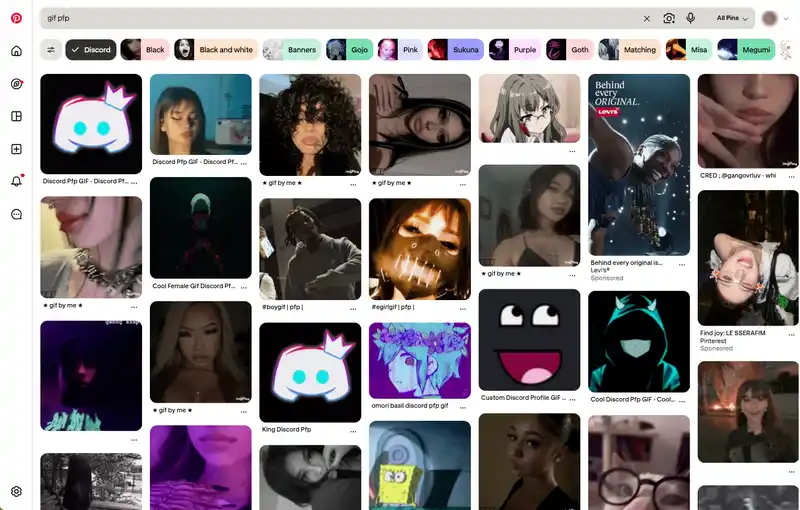
Pinterest is one of the world's largest visual discovery platforms and plays a key role in helping users find inspiration for Discord PFPs. As an image search and inspiration engine, it allows users to explore millions of curated visuals in a wide variety of styles and save them for use on their Discord profiles.
One of Pinterest's key strengths lies in its algorithm-driven discovery system. Pinterest continuously recommends new content based on user behaviour and popular visual trends. This allows users to easily discover novel, trending or aesthetically pleasing Discord-style profile pictures without having to manually browse multiple websites.
Create Your Own Discord PFP with AVCLabs AI Image Generator
Apart from downloading PFPs from other people's profiles or resource websites, many Discord users prefer to have a unique avatar of their own. This is precisely where AVCLabs AI Image Generator shines.
AVCLabs Online AI Image Generator can generate high-quality original avatars based on your prompt words, style preferences or reference photos. It supports generating 1:1 square avatars, which is very suitable for directly being used as PFP for Discord. You can fully control the style, atmosphere and characteristics of the avatar. Whether you want to create an anime-style character, a realistic portrait, or an artistic work with abstract beauty as your PFP for Discord, AVCLabs can turn your ideas into reality in just a few seconds.
How to Generate Your Own Discord PFP?
Step 1: Enter Your Idea
Open the AVCLabs Online Free AI Image Generator and paste the prompt above—or tweak it a little to match your style.
For example, you can change hair color, mood (dark / cute / aesthetic), theme (cyberpunk / fantasy / minimalist).
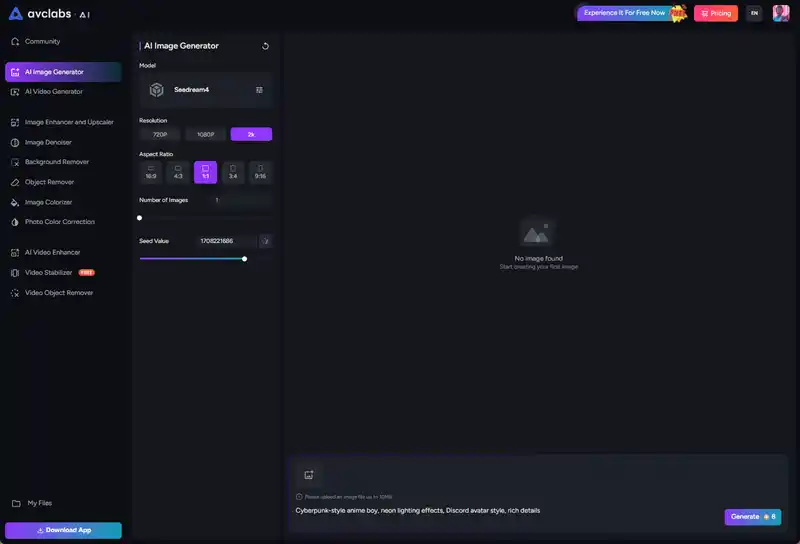
Step 2: Choose 1:1 Aspect Ratio
Select the resolution, size, and number of generated avatars in the output panel.
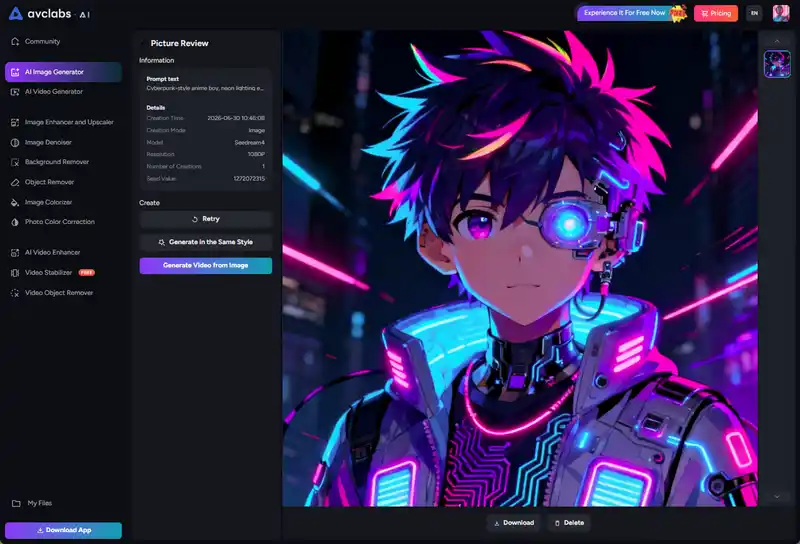
Step 3: Download & Set It as Your Discord PFP
Click generate and wait a few seconds. Pick the one that feels closest to your online personality and download it in high quality.
FAQ About Discord PFP Download
How to extract a pfp from Discord?
To extract a profile picture from Discord, you usually need to retrieve the original image from Discord's CDN. You can use a Discord PFP download or lookup tool. simply enter the user's Discord ID, and the tool will return the URL for the full-size profile picture. Some users also use Discord bot tools or data query services, which can provide the profile picture link and other public data information.
Another method is to use the inspection tool in the browser. By opening the user's profile, inspecting the profile picture element, and copying the image link on Discord's CDN, you can directly access the original image.
How to get a good pfp for Discord?
If you want a fashionable or aesthetically pleasing Discord profile picture, rather than simply downloading someone else's picture, you can use specialized resource websites or AI-generated tools.
First of all, you can make use of specialized avatar resource websites to search for anime, game, aesthetic style or minimalist avatars that have been optimized for Discord.
Secondly, you can browse on platforms such as Pinterest or various art communities for inspiration. Before choosing your profile picture, make sure to understand the current popular styles.
Thirdly, you can use AI image generator to create unique avatars. Just describe the style you desire, and a completely personalized avatar can be designed.
Conclusion
With the right tools and resource websites, downloading or finding Discord PFPs becomes quick and simple. Whether you want to save someone's avatar or explore new profile picture ideas, these options can help you get high-quality results with ease.
If you prefer something more unique, you can also create your own custom Discord PFP using AI tools for a more personal touch.

Billie Miller
Billie Miller is an AI product content strategist who writes about AI-powered tools for image generation, video creation, editing, and creative workflows. She focuses on hands-on testing and real-world use cases, helping readers understand how different AI tools perform in practice and choose the right solution for their creative needs.


 Sherry Johnson
 April 24, 2026