A New Premium Colorization Model Is Now Available in AVCLabs Video Enhancer AI
 PostedBy: Eve Williams
- Category: Video Enhancer Tips
- Updated On: January 22, 2026
AVCLabs Video Enhancer AI has released V5.3.0, featuring a brand-new Premium colorization model as its most noteworthy highlight. The addition of this model can bring more stable and natural results to black and white video restoration and colorization of old footage, helping creators achieve higher quality results in video processing.
Part 1: Premium Colorization Model Introduction and Comparison
AVCLabs Video Enhancer AI V5.3.0 introduces the all-new Premium Colorization Model, expanding the existing lineup of Soft and Bright AI colorization options. Designed for black-and-white footage, Premium Colorization Model brings a significant leap forward in color restoration with smooth and natural results.
Note: To fully utilize the performance of this model, a graphics card with 8GB or more of VRAM is recommended.
16-Frame Processing for Consistent Colors
Unlike previous models that process each frame individually, the Premium model analyzes and colorizes 16 frames simultaneously. This innovative batch-processing approach effectively reduces flickering and color inconsistencies that can appear in dynamic scenes, ensuring smooth, seamless video playback across the entire sequence. The result is a more immersive and professional-looking color video that flows naturally from frame to frame.
Natural and Realistic Color Rendering
Premium model delivers more lifelike and balanced colors. Skin tones, skies, clothing, and other areas appear more natural, with subtle tonal transitions preserved. This makes it ideal for restoring historical footage and old black-and-white videos.
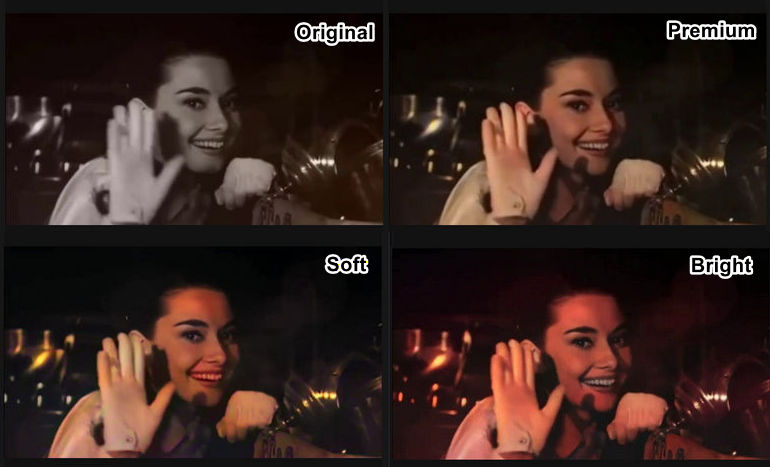
AI Colorization Models Comparison
Flexible Render Factor Adjustment
You can retain full control over the colorization intensity through the Render Factor, adjustable between 8 and 32. This allows for fine-tuning from subtle color to fully vibrant results, giving creators precise control over the final look of their videos.
💡 How to Choose Between Soft, Bright, and Premium AI Models?
Premium Model: Professional-grade restoration and consistent color across dynamic or old black-and-white footage. It can minimize flickering, ensuring smooth and realistic colors.
Soft Model: Gentle, subtle colorization with smooth transitions. It can preserve the original grayscale details while adding light, natural colors.
Bright Model: Vibrant, eye-catching colorization. It can enhance color saturation and contrast, making scenes more lively and visually striking.
👍 Best AI Video Colorizer: AVCLabs Video Enhancer AI
If you are looking for a versatile solution to colorize black-and-white or faded footage, AVCLabs Video Enhancer AI offers three powerful AI models—Soft, Bright, and the new Premium. These models empower creators to restore and enhance videos with professional-grade results.
Part 2: Other Highlights of AVCLabs Video Enhancer AI V5.3.0
1. New SDR-to-HDR Conversion for Enhanced Dynamic Range
AVCLabs Video Enhancer AI V5.3.0 adds a brand-new SDR (Standard Dynamic Range) to HDR (High Dynamic Range) function. This function aims to intelligently expand the dynamic range of a video, providing richer details between bright and dark areas. It is ideal for the following use cases:
- Enhance the overall video quality of standard SDR video.
- Optimize the performance of high-contrast scenes, making video clearer and more natural.
- Achieve superior playback quality on HDR screens or 4K displays.
This new function eliminates the need for complex parameter settings or model selection. With just a single click, you can easily upgrade standard videos into works with HDR visual impact.
2. New Grain Option for Creative Control
A new Grain feature is added to the Video Settings, offering an intensity adjustment from 0 to 100 (default 0). While video enhancement typically aims to minimize noise, this feature is designed to meet specific creative and practical needs, enhancing the software's versatility.
By adding graininess, yo can simulate the texture of film or create specific artistic styles. This feature can also appropriately increase texture and realism in videos that are too smooth after AI enhancement. With adjustable grain intensity, AVCLabs gives users greater flexibility in controlling the final presentation of their videos.
3. Video Blur AI Module Update: Smarter Object Removal and Privacy Protection
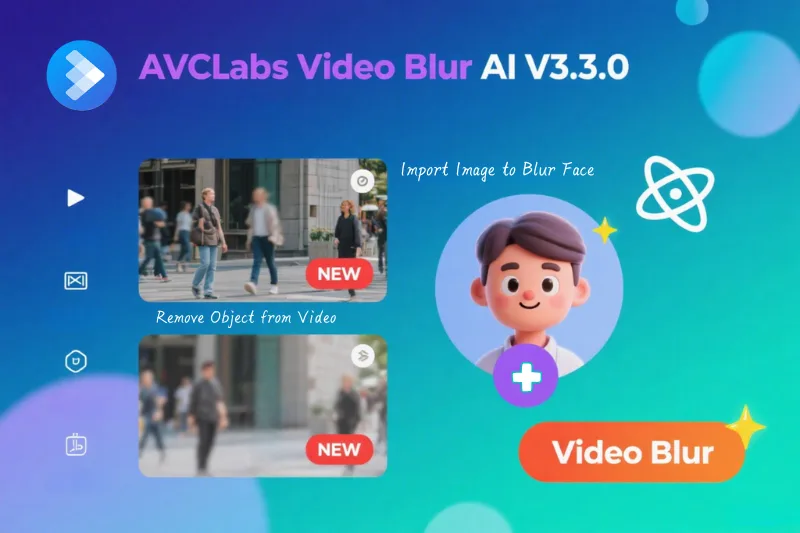
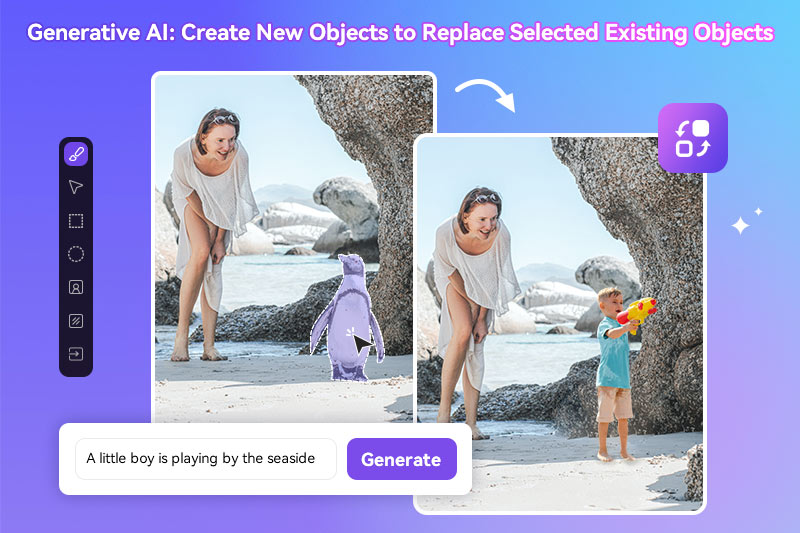
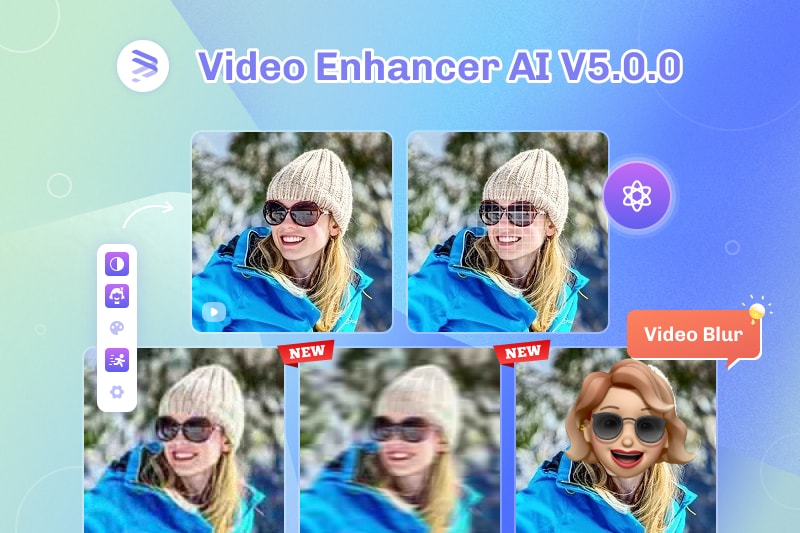
AVCLabs Video Enhancer AI V5.3.0 integrates the latest feature upgrades to Video Blur AI, further enhancing video privacy protection. The new AI video object removal function intelligently identifies and removes signs, text, or distracting elements from video. It adds support for custom face import, allowing continuous recognition and blurring of specified individuals throughout the video. Meanwhile, license plate recognition and blurring accuracy have been further improved, and customizable blur styles and parameter settings have been added.
👉️ Read More: AVCLabs Video Blur AI V3.3.0 Released: Major Upgrade with AI Object Removal and Custom Face Import Blurring
Key Features of AVCLabs Video Enhancer AI
- Turn low-res boomerang video into stunning 4K quality.
- Remove moving grain and artifacts for crystal-clear visuals.
- Wake up every shining details in different videos.
- Enhance colors and adjust lighting in seconds.
- Blur face and license plate with AI technology.

Conclusion
AVCLabs is excited to announce the release of AVCLabs Video Enhancer AI V5.3.0. This major update focuses on improvements in color and dynamic range, featuring the Premium AI Colorization Model, a powerful SDR-to-HDR Conversion function, and new Grain feature. This new version also integrates the latest update from the AVCLabs Video Blur AI. With these updates, AVCLabs continues its commitment to delivering flexible and intelligent AI solutions for high-quality video processing.