Top 3 8K Video Players for PC in 2026 [Free & Paid]
 Posted By: Sherry Johnson
- Category: Video Enhancer Tips
- Updated On: March 2, 2026
With the gradual popularity of 8K video resolution, it becomes especially important to choose a powerful and high-performance 8K video player. In this article, we will introduce 3 8K video players available for PC, both free and paid, to help you fully experience the stunning effects of 8K resolution video.
Part 1: Top 3 8K Video Players for PC in 2026 [Free & Paid]
Below is a comprehensive comparison of the three best 8K video players for PC in 2026, covering their compatibility, playback performance, unique features, and suitability for different user needs. We’ve also added a comparison table to help you make a quick decision.
| Feature | VLC Media Player | PotPlayer | GOM Player |
|---|---|---|---|
| Price | Free (open-source) | Free | Free (ads) / Paid |
| Supported OS | Windows / macOS / Linux | Windows only | Windows / macOS |
| 8K Playback Smoothness | Good (GPU acceleration) | Excellent (low resource usage) | Good (2 playback modes) |
| Format Support | All (HEVC, AVI, etc.) | Most (HEVC, MKV) | Most (360° VR support) |
| Ads | None | None | Yes (free version) |
| Hardware Requirement | Medium | Low | Medium |
1. VLC Media Player
Website: https://www.videolan.org/
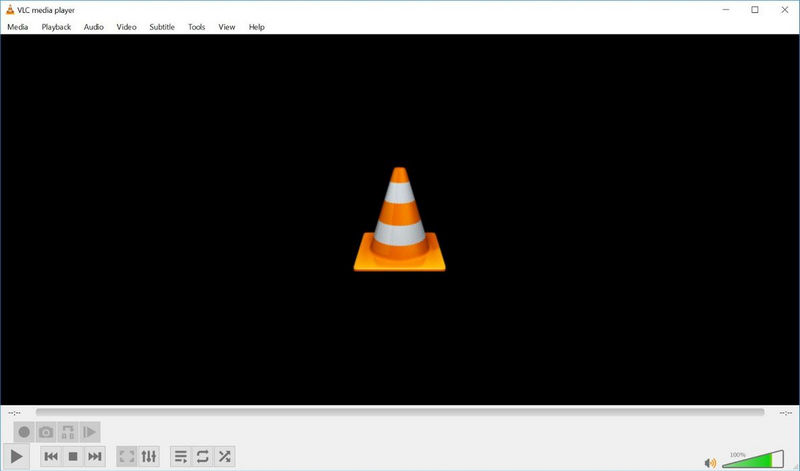
VLC Media Player is a free, open-source 8K video player that excels in versatility and format compatibility—making it a top choice for users seeking a no-cost solution. It leverages GPU acceleration to decode high-resolution 8K videos, ensuring smooth and stable playback even for large files, while avoiding common issues like stuttering or dropped frames. This makes it ideal for daily 8K viewing, especially for users who switch between multiple video formats.
Beyond 8K playback, VLC supports downloading original-quality YouTube 8K videos without compression, which is a huge plus for users who frequently access 8K content from the platform. It also works with virtually all video and audio formats, including HEVC (H.265), AVI, WAV, ALAC, and the latest AV1 codec—eliminating the need for additional codec installations.
👉️ You May Also Like: 8K YouTube Video Downloader
Pros:
- 100% free with no ads or hidden costs
- Cross-platform support (Windows, macOS, Linux)
- Extensive format compatibility (supports HEVC, AV1, and more)
- Built-in YouTube 8K video downloader
- Lightweight and low resource consumption for basic 8K playback
Cons:
- The interface design is plain and simple.
- Steeper learning curve for advanced features (e.g., GPU acceleration settings)
- Hardware acceleration may fail on low-end PCs with outdated GPUs
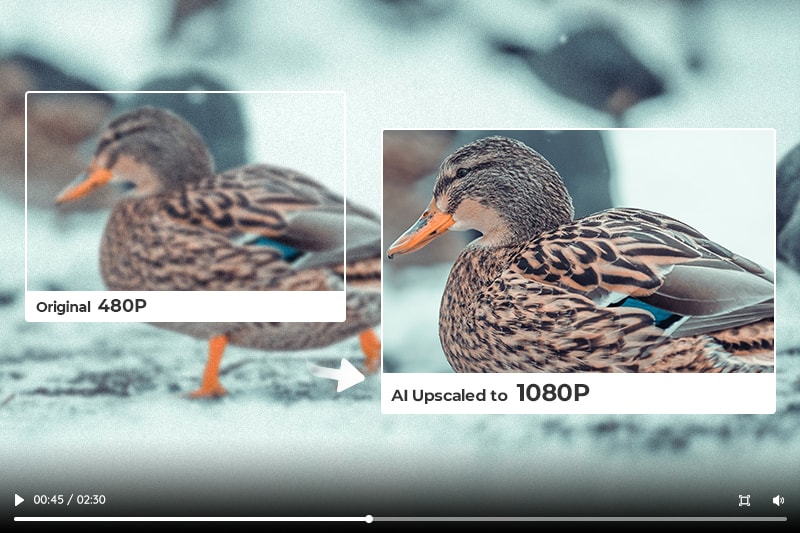
"How to upscale video from 480P to 1080P? AVCLabs Video Enhancer AI can help you convert videos from 480P to 1080P instantly with a single click. Learn more>>
2. PotPlayer
Website: https://potplayer.daum.net/
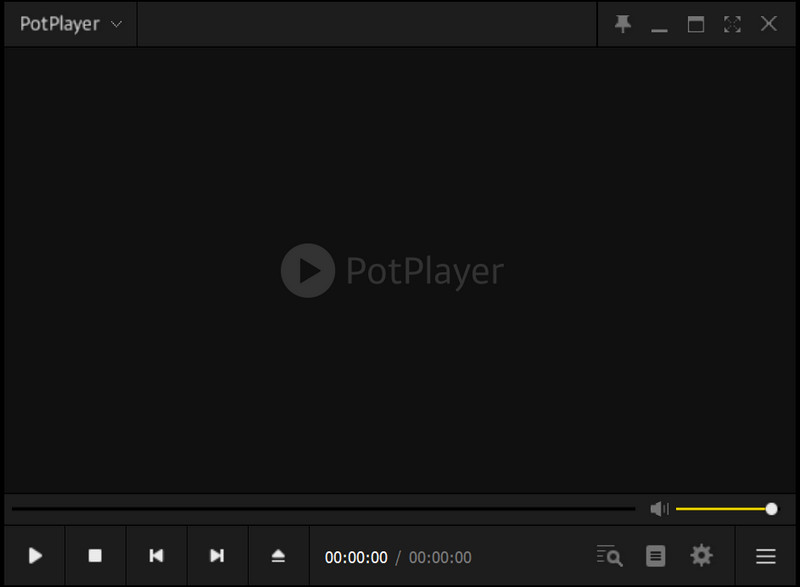
PotPlayer is a feature-rich 8K video player known for its smooth playback performance and efficient resource utilization. It’s highly optimized for 8K video decoding, using minimal CPU and RAM even when playing large 8K files. This makes it the best choice for users with low-to-mid-range PCs who still want to enjoy 8K content without lag.
One of PotPlayer’s standout features is its multi-display support, which allows users to output 8K video to multiple screens simultaneously. This is perfect for professional scenarios (e.g., 8K content editing previews) or home theaters, where a large-scale visual experience is desired. It also includes a high-quality audio decoder, delivering immersive sound to match 8K’s stunning visuals.
Pros:
- Best 8K player for low RAM PC (takes up less system resources).
- Excellent hardware acceleration to take full advantage of GPU performance.
- Built-in high-quality audio decoder provides excellent sound quality performance.
- Intuitive interface with easy-to-access playback controls
Cons:
- Only supports Windows system. (no macOS or Linux support)
- Lower update frequency.
- Learning documentation and help resources are relatively scarce.
3. GOM Player
Website: https://www.gomlab.com/en/gomplayer-media-player
GOM Player a user-friendly 8K video player that balances customization and performance—ideal for users who want flexibility in their playback experience. Owing to its extensive hardware acceleration support for a wide range of graphics cards, it can optimize GPU performance and enhance the performance of 8K video playback across a range of hardware configurations.
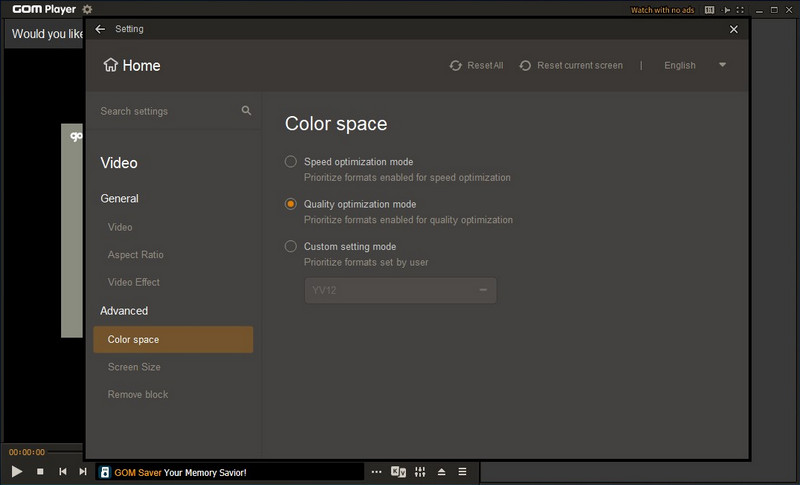
A further noteworthy feature of GOM Player is that it provides Quality Optimization Mode and Speed Optimization Mode, which offer flexible choices for users. Since some video formats are easier to optimise for quality, more video details can be restored in Quality Optimization Mode. Speed Optimization Mode focuses on reducing the load on the CPU and GPU to make video playback smoother. Additionally, it supports 360° VR 8K video playback, catering to niche viewing needs.
Pros:
- Friendly interface and easy to use.
- Dual optimization modes (Quality/Speed) for flexible 8K playback
- - Automatic subtitle synchronization and codec installation
- Rich in features, such as support for 360° VR video playback.
Cons:
- Free version comes with adverts.
- Occasional crashes or freezes when playing high-resolution videos.
Not satisfied with your 8K video quality? Even the best player can’t fix blurry or noisy 8K footage. Try AVCLabs Video Enhancer AI to enhance details before playback.
Part 2: 8K Video Quality Enhancer for PC [Bonus Tip]
Even with a top-tier 8K video player, low-quality 8K content (e.g., compressed YouTube downloads, noisy footage, or upscaled 4K videos) will ruin your viewing experience. That’s where AVCLabs Video Enhancer AI comes in—it complements your 8K player by optimizing the video source, ensuring you get the clearest, most detailed visuals possible.
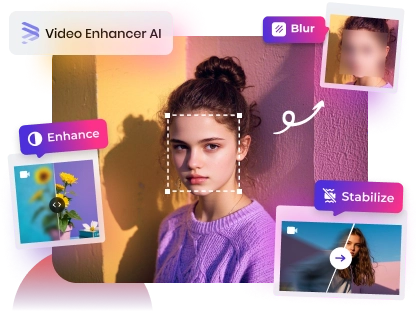
AVCLabs Video Enhancer AI uses advanced super-resolution technology to enhance 8K videos (or upscale lower-resolution videos to 8K) while restoring fine details. For example, if your 8K YouTube download has noise, the Denoise Model can clean up the image; if faces in the video are blurry, the Face Enhancement feature restores facial details to make characters more lifelike. It’s the perfect tool for content creators, movie enthusiasts, or anyone who wants to take their 8K viewing to the next level.
Key Features of AVCLabs Video Enhancer AI
- Losslessly upscale SD/HD/4K videos to 8K with AI super-resolution
- Remove noise and grain from 8K videos for a cleaner image
- Colorize black-and-white videos to bring them to life.
- Automatically blur unwanted video parts to protect privacy.
- Eliminate camera shake and stabilize 8K videos

Guide: How to Enhance Video Quality to 8K?
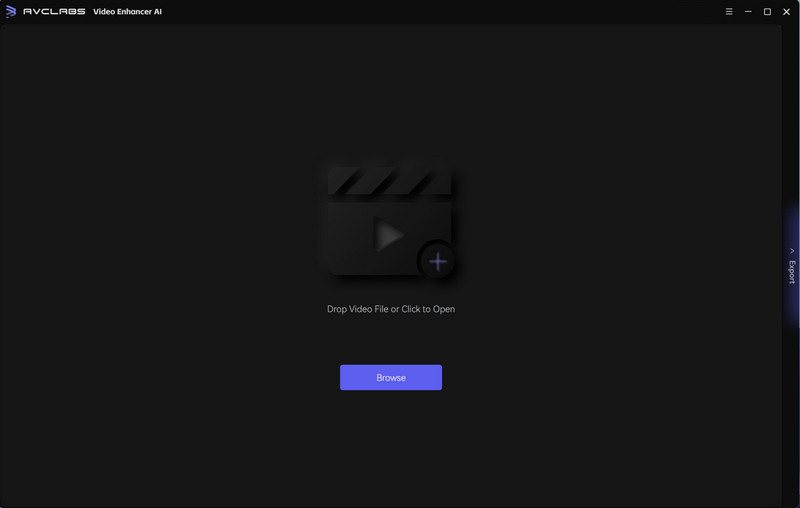
Step 1 Upload Video
Run AVCLabs Video Enhancer AI on your PC and open the video.
Step 2 Select the AI Model
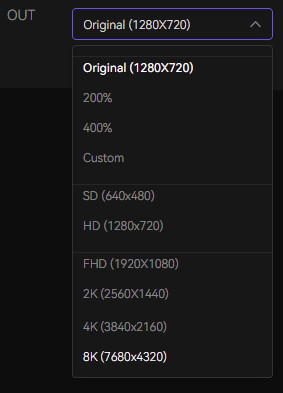
If your video is not originally in 8K, you can set it to 8K output in Video Out.
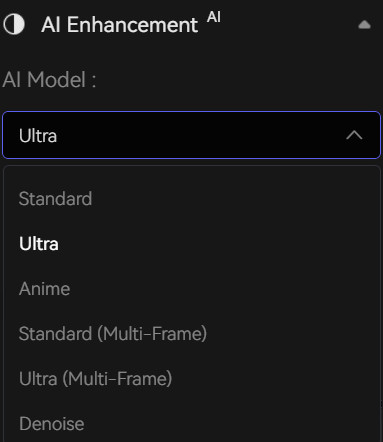
Select the appropriate AI Model in the Feature List to enhance video quality, like Standard, Ultra, and Denoise Model.
Step 3 Choose Output Settings
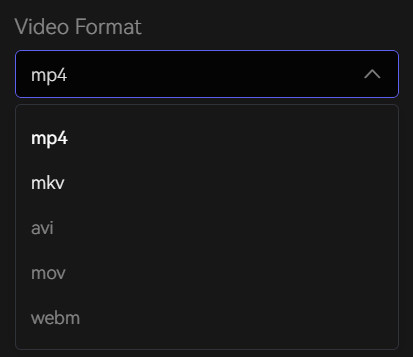
You can adjust the contrast and sharpness of the video to make it clearer. Set Video Format to "avi" in Output Settings to save uncompressed 8K video.
Step 4 Save 8K Resolution Video
Click the "Preview" button to preview the effect of 8K video after quality enhancement. Click the Export button to begin rendering and enhancing your 8K video.
3. FAQ About 8K Video Player for PC
Can we play 8K video on PC?
Yes, you can play 8K video on a PC. But for smooth playback, you need to have a powerful CPU and dedicated GPU to process and decode the video, enough RAM and choose a media player that supports hardware acceleration and 8K video playback.
Can I upscale my videos to 8K?
Even if your video is initially at a lower resolution, you can still upscale it to 8K resolution using an AI Video Upscaler such as AVCLabs Video Enhancer AI. It utilizes super-resolution technology to not only upscale your video to a higher resolution 8K, but also to enhance the detail and clarity for a more detailed display.
👉️ Recommend: Free to Upscale SD Video to HD, 4K, and 8K
How to download a 8K video from YouTube?
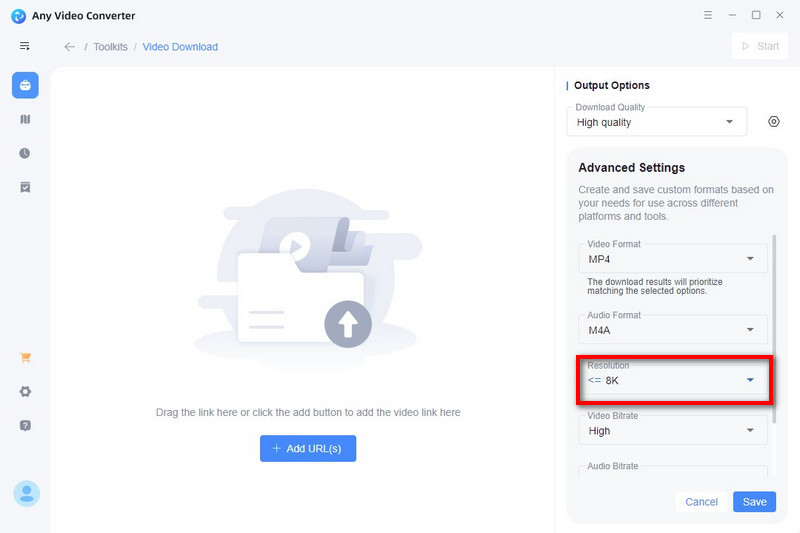
To download YouTube 8K video, you can use some online YouTube Video Downloaders, like YTBvideoly, Video Downloader Pro, and AmoyShare, or professional 8K Video Downloader - Any Video Converter.
As a professional video tool, Any Video Converter not only allows you to download YouTube videos up to 8K, but also provides multiple formats and high-quality bitrates for you to save videos and audios.
Why is my 8K video stuttering on PC even with a good player?
Stuttering usually stems from two issues: 1) Insufficient hardware (upgrade your GPU/CPU/RAM); 2) Poor video quality (compressed or noisy files). Try switching to Speed Optimization Mode in GOM Player or PotPlayer.
Conclusion
VLC Media Player, PotPlayer, and GOM Player are top 8K video players on PC that provide excellent performance. In addition, using 8K video quality enhancer such as AVCLabs Video Enhancer AI, you can take video quality to new heights. These tools will make your 8K video playback and viewing experience even better.